


Every year our phones get more powerful — brighter screens, better cameras, faster chips. But the thing that matters the most hasn’t improved in a decade:
Finding the setting you need when you actually need it.
Everything is buried behind five layers of menus, inconsistent labels, and search boxes that only work if you “guess the keyword” some engineer used internally.
We don’t need more toggles.
We need more intelligence.
It’s time for the next obvious step:
Put an LLM inside the Settings app — or better, make the LLM the Settings app.
The Problem: We’ve Hit Menu Complexity Peak
If you’ve ever tried to fix:
Why your Bluetooth earbuds sound soft
Why your screen turns off while reading
Why your battery dies overnight
Why WhatsApp photos keep saving
Why your hotspot disconnects
Why only one display works on your dock
…then you know the problem isn’t lack of features.
It’s lack of discoverability.
Modern phones have thousands of configuration points.
Most users know twelve.
We’re at the point where you need to know the solution before you can search for the solution.
That’s not how technology should work.
The Breakthrough: Explain What You Want, Not What to Toggle
A well-designed on-device LLM should let you say:
“My Bluetooth earbuds are quiet even at full volume.”
And the phone should:
infer “absolute volume”
find the setting
change it
test it
confirm the fix
No more chasing settings.
No more guessing the vocabulary.
Instead of:
“Go to Settings → Display → Lock Screen → Screen Timeout → Reading Mode (hidden under Advanced).”
You simply say:
“Keep my screen awake while I’m reading PDFs.”
And it’s done.
This Is Not a Future Idea — This Is Inevitable
Apple, Google, and Samsung are already embedding LLMs directly into silicon:
Apple is building intent-based OS interactions for iOS.
Google Pixel ships with Gemini Nano, designed for on-device actions.
Samsung has Gauss, an OS-level assistant stack.
They all know the same thing:
Settings menus don’t scale. Intent does.
The next OS war won’t be about camera megapixels.
It will be about who builds the best agentic settings engine.
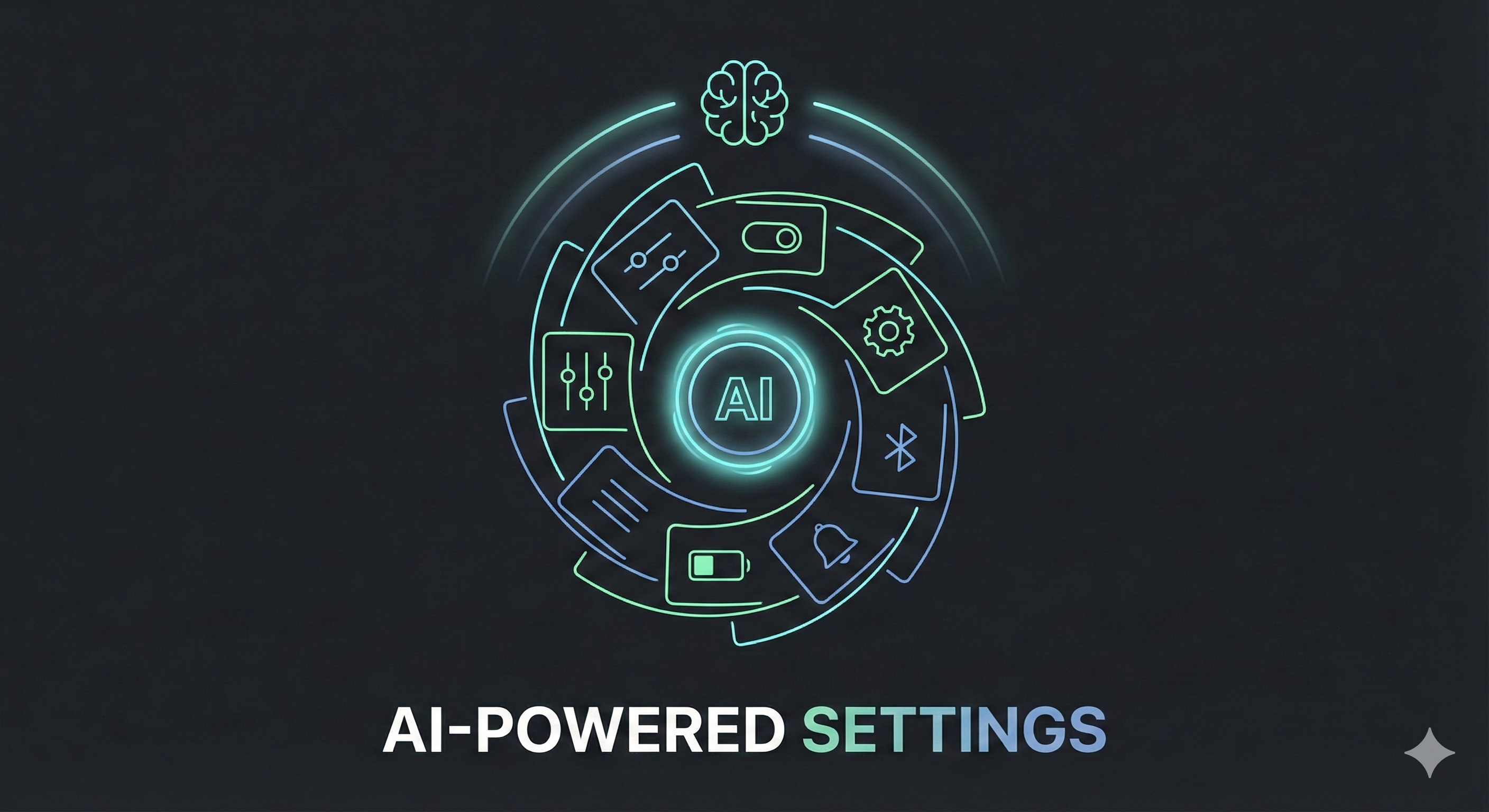
The Future: Settings Become Behaviors, Not Buttons
Instead of rows of toggles, you’ll have goals:
“Maximise battery life”
“Reduce distractions”
“Privacy first”
“Performance mode”
“Kid-safe mode”
“Travel mode”
“No dumb questions — just fix it mode”
The OS will configure itself dynamically.
You’ll speak human.
Your phone will speak system.
Why This Must Live Inside the OS, Not as an App
An LLM needs:
full settings map
permission to make changes
real-time validation
contextual understanding, on-device
private inference
Apps can’t do this.
Only the OS can.
This is why Siri and Google Assistant have always felt limited — they sit outside settings, not inside it.
The next leap is embedding the intelligence directly in the configuration layer.
What This Unlocks
One sentence → multiple coordinated changes
“Make my phone quiet except calls from Mom.”Inferred cause diagnosis
“My battery dies by evening” → finds rogue apps, disables background sync, optimizes radios.Proactive recommendations
“You’re switching time zones often — turn on adaptive alarms?”Natural language explanation of settings
“What does ‘Private Compute Services’ actually do?”Zero-learning-curve technology
Anyone can master every feature, instantly.
Why This Matters
We’ve accepted the idea that:
phones are complicated
settings are confusing
menus have to get deeper
search only works if you know the terms
But it’s all artificial complexity.
The real user interface of a smartphone should be your intent.
Not your memory.
Not your menu navigation.
Not your ability to reverse-engineer UX decisions.
Right now, the OS expects you to adapt to it.
With an LLM-driven settings layer, the OS adapts to you.
Build This Next
We don’t need bigger screens.
We don’t need more icons.
We don’t need more toggles.
We need the simplest idea in all of software:
“Tell me what you want. I’ll figure out the rest.”
If you’re building tools for the next decade:
Build This Next.
I write about how products can be better — fixing what’s broken and imagining what’s missing.
If this made you notice something broken or missing, you can subscribe to Build This Next to receive future essays directly.
Every subscription is a vote for building better products.
And if this sparked an idea, take a few seconds to share it — it might help someone else build or see products differently.