


Every streaming app today gives you the basics:
Play / Pause
Rewind 10/15/30 seconds
Forward 10/15/30 seconds
And that’s fine for movies, TV shows, and documentaries.
But for sports, it’s nowhere close to enough.
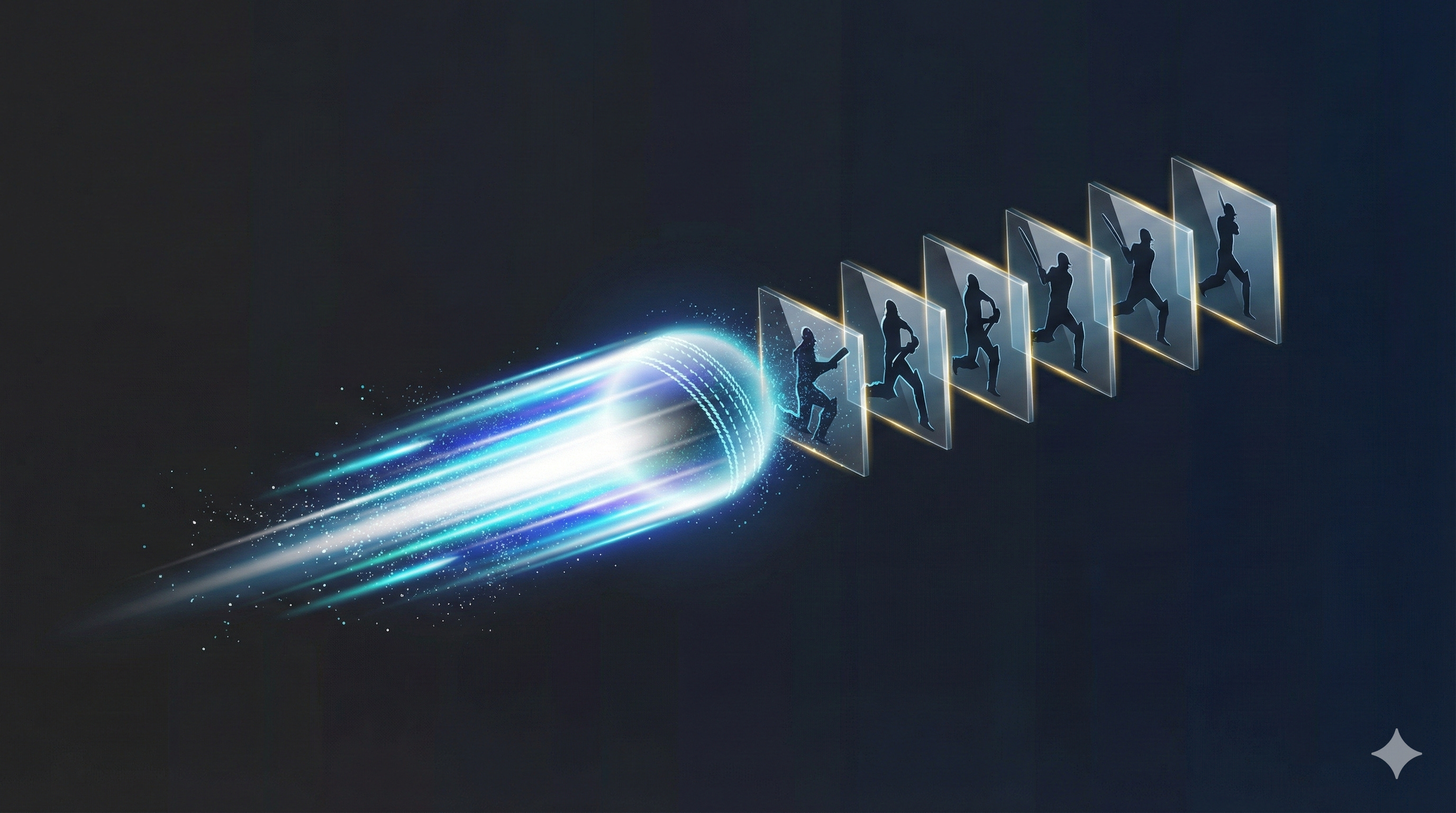
Sports is the only category of video where you constantly want to rewatch the same moment immediately — and in slow motion.
A perfect cover drive.
A stunning diving catch.
A cross-court winner.
A deflection off the pad.
A last-second block.
These aren’t moments you want to simply rewind and rewatch at regular speed.
They’re moments you want to study — the angle, the timing, the contact, the arc, the footwork.
Yet doing this today requires multiple steps:
Rewind
Tap play
Open speed controls
Choose 0.5× or 0.25×
Watch
Reset speed back to normal
Six inputs for something sports fans instinctively do multiple times per match.
The friction isn’t technical — the player UI simply hasn’t been reimagined around how sports is actually consumed.
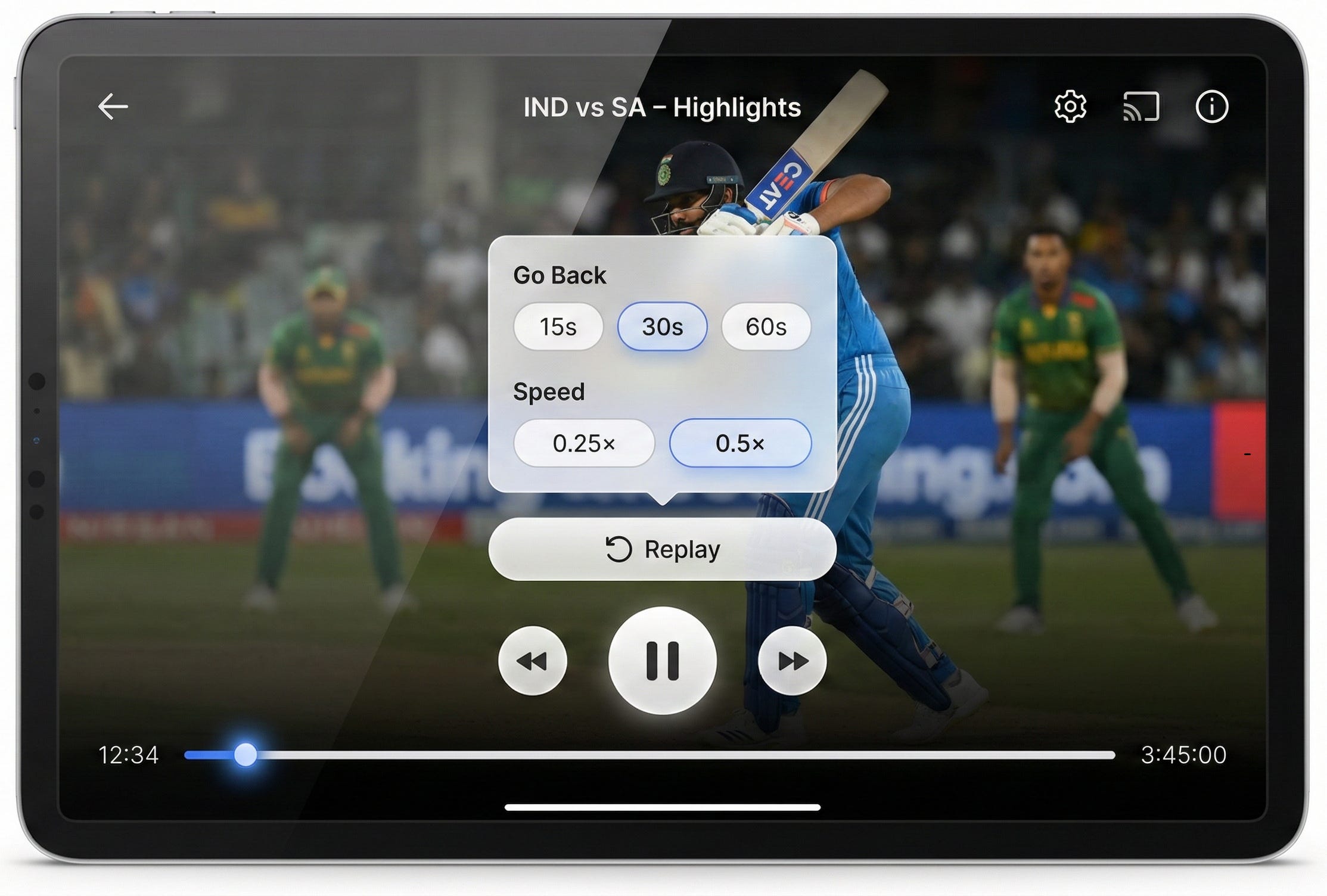
The Missing Feature: A One-Tap Slow-Motion Replay Button
What sports streaming apps need is a Replay button that:
Instantly jumps back a few seconds
Automatically plays that segment in slow motion
Just one tap.
No menus.
No fiddling with settings.
No losing your place in the stream.
This is the fastest way to experience the best moments as they were meant to be experienced.
Let Viewers Choose: Duration and Speed
But the feature becomes dramatically better when viewers get simple, intuitive control over:
How far back to replay
15 seconds
30 seconds
60 seconds
At what speed
0.25×
0.5×
These should be presented as clean, pill-shaped options where:
Only one duration can be selected at a time
Only one speed can be selected at a time
Clear, minimal, unambiguous.
A small floating panel - like a compact settings pop-up - is all it takes.
Replay Mode: What Happens After the User Confirms
Once the viewer taps Replay:
The player immediately jumps back the selected duration
Playback begins at the selected slow-motion speed
A small toast overlay appears with a message such as: “Replaying last 30s at 0.5×”
The rest of the UI stays clean and unobtrusive
After that segment completes, the player automatically returns to normal speed
Zero effort.
Zero confusion.
Maximum clarity and enjoyment.
Why This Is a No-Brainer for Sports Platforms
Because this is already how fans behave.
They manually rewind.
They manually adjust speed.
They manually reset it.
All to recreate the same interaction a Replay button could do instantly.
This feature:
Increases engagement
Increases session time
Increases delight
Increases platform preference
Requires no new underlying technology
It is a pure UX upgrade sitting in plain sight.
Why No Major OTT Platform Has Built It Yet
Because their video players were designed for general content, not sports.
Sports has unique viewing behaviours:
High-impact moments happen suddenly
Fans want to inspect details
Slow motion is essential
Replays are frequent
Viewers jump back short distances repeatedly
A generic player cannot serve this need well.
A sports-first player can - and should.
Build This Next: The Slow-Motion Replay Button
It’s simple.
It’s intuitive.
It’s already technically feasible.
And it fills one of the most obvious UX gaps in sports streaming today.
The first platform to ship this will instantly differentiate itself - not through expensive rights, but through experience.
A small feature.
A huge upgrade.
A delight multiplier.
The kind of product idea that feels obvious in hindsight.
Build This Next.
I write about how products can be better — fixing what’s broken and imagining what’s missing.
If this made you notice something broken or missing, you can subscribe to Build This Next to receive future essays directly.
Every subscription is a vote for building better products.
And if this sparked an idea, take a few seconds to share it — it might help someone else build or see products differently.